A read-only ERP pilot can show a team its data in one place. Letting that system change an operational record is a different decision. Before the first write-back, the business needs a precise answer to a small question: what may change, who will authorize it, and how will we know what happened?
VanteLIQ's public rollout description puts read-only connections and reconciliation before operational write-back. This guide focuses on that handoff. The checklist below is an evaluation aid to discuss with your implementation team, not a claim that every control is available in every VanteLIQ edition.
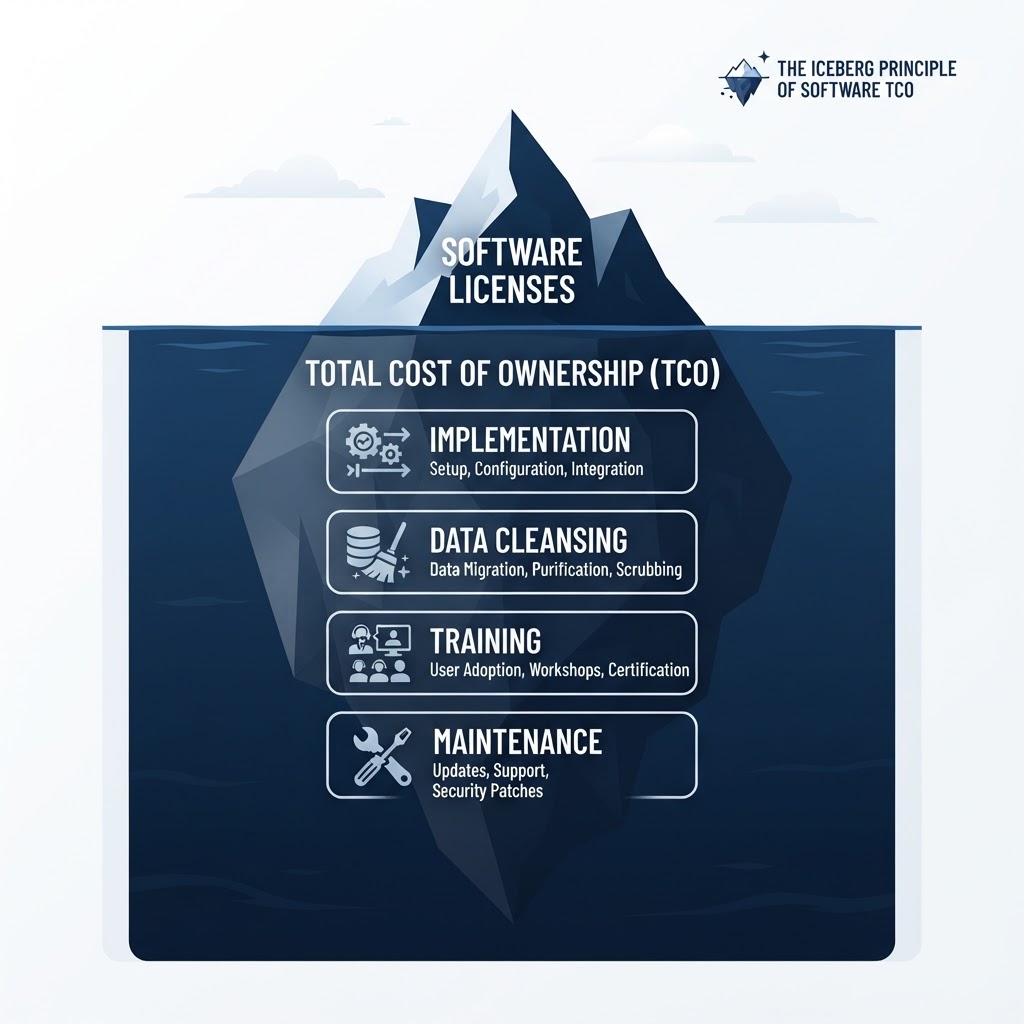
Illustration: a previously generated VanteLIQ editorial graphic showing implementation, data preparation, training and maintenance beneath software licensing. The iceberg is conceptual; its proportions are not measured costs, and it does not show the product interface or promise included services.
Define one change, not a whole department
“Turn on operations” is too broad to approve. Start with one record type, one destination and one permitted action. A hypothetical pilot might update an internal work-order status after a named coordinator approves it. That is a planning example, not a statement about an available integration.
Write down what the pilot must not change as well. If the exercise concerns a status field, it should not silently expand into changing prices, sending customer messages or creating purchases. Ask the implementation team to demonstrate how the agreed boundary will be enforced in your configuration.
Name the source of truth for that record
A matching dashboard total does not answer every record-level question. Identify the system that owns the record, the identifier used to match it, and which fields the new workflow may update. Decide who resolves a mismatch before any changes begin.
Bring examples from ordinary work and from exceptions: a renamed customer, a duplicated identifier, a late update or an item that exists in only one system. Keep sensitive data out of informal demonstrations; use an approved test environment and appropriately prepared examples with your team.
The goal is a shared explanation of which record will change. If two people point to different records or different owners, leave the workflow read-only while they resolve that disagreement.
Ask what happens when the result is uncertain
The most useful demonstration may be the one that does not finish cleanly. Ask what an operator sees if a request is delayed, rejected or interrupted after it might already have reached the destination. Who checks the destination before anyone retries?
Have the implementation team explain how duplicate actions are prevented or detected, how successful changes can be traced, and where an operator finds a failure that needs attention. These are questions to verify with the specific system and integration; a general promise of automation is not the answer.
Record unresolved behavior as an open item. Do not turn an unanswered retry question into an instruction for staff to keep clicking until something happens.
Put a person beside each decision
Choose the person who may approve the pilot, the person who handles exceptions and the person who can pause it. Check that their access fits those responsibilities. Include the staff member who will do the daily work in the rehearsal, rather than relying only on the project team's demonstration.
Agree on a fallback procedure with the implementation team. It should explain how work continues if the pilot stops, how to avoid processing the same item through two routes, and who reconciles unfinished items. Do not assume that stopping an integration reverses changes already made.
Make the approval note short and inspectable
Use one shared note to collect the evidence for this particular decision:
- Scope: the record, destination, action and explicit exclusions.
- Reconciliation: the examples reviewed, mismatches found and their resolution.
- Operation: the approver, exception owner and access review.
- Failure handling: the observed result of an interrupted or rejected action and the agreed response.
- Decision: proceed within the stated boundary, or remain read-only until named open items are resolved.
Keep links to the test evidence beside the note. Implementation, data preparation, training and ongoing support all need owners; purchasing access alone does not settle those responsibilities.
Bring the boundary to your fit assessment
VanteLIQ describes a rollout that connects existing systems, reconciles data, begins with one workflow and expands after validation. It also says capabilities and editions roll out as customers are onboarded. Ask which parts of your proposed pilot are available now, which require integration work, and which remain planned.
A useful next conversation starts with one real workflow and its unanswered questions. You do not need to arrive with a complete migration plan. You do need to know which operational change you want the team to evaluate first.
Request an ERP fit assessment and bring the proposed record, action, owner and acceptance questions.